
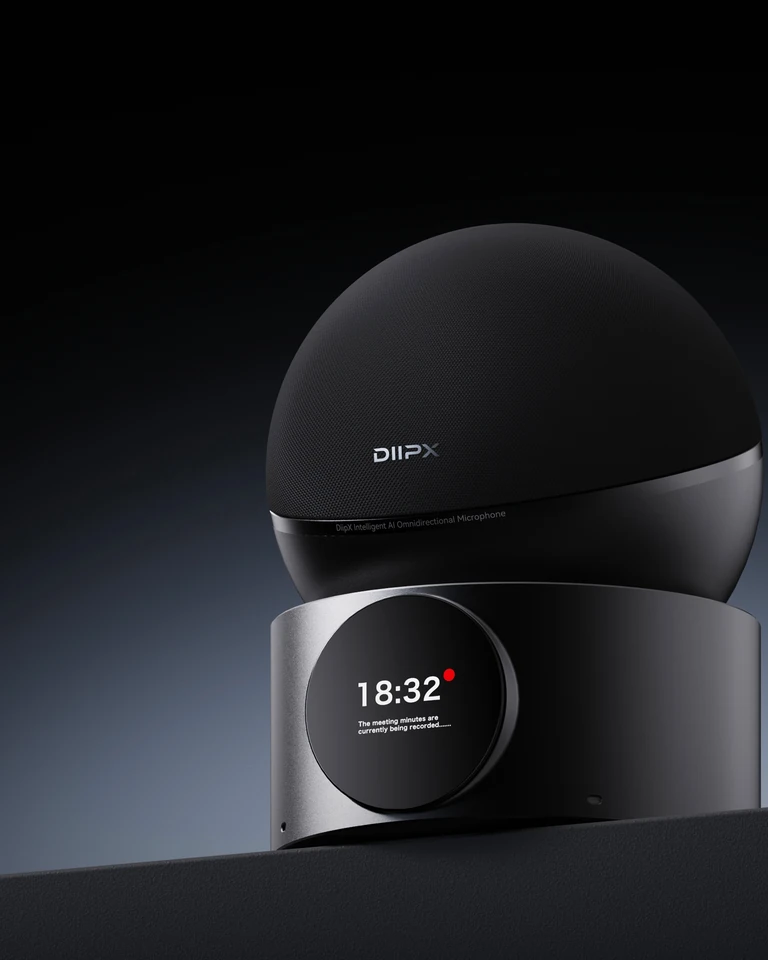
Desktop microphone speaker
DeskHub D20
Desk meetings that are clear to hear — and clear to be heard.
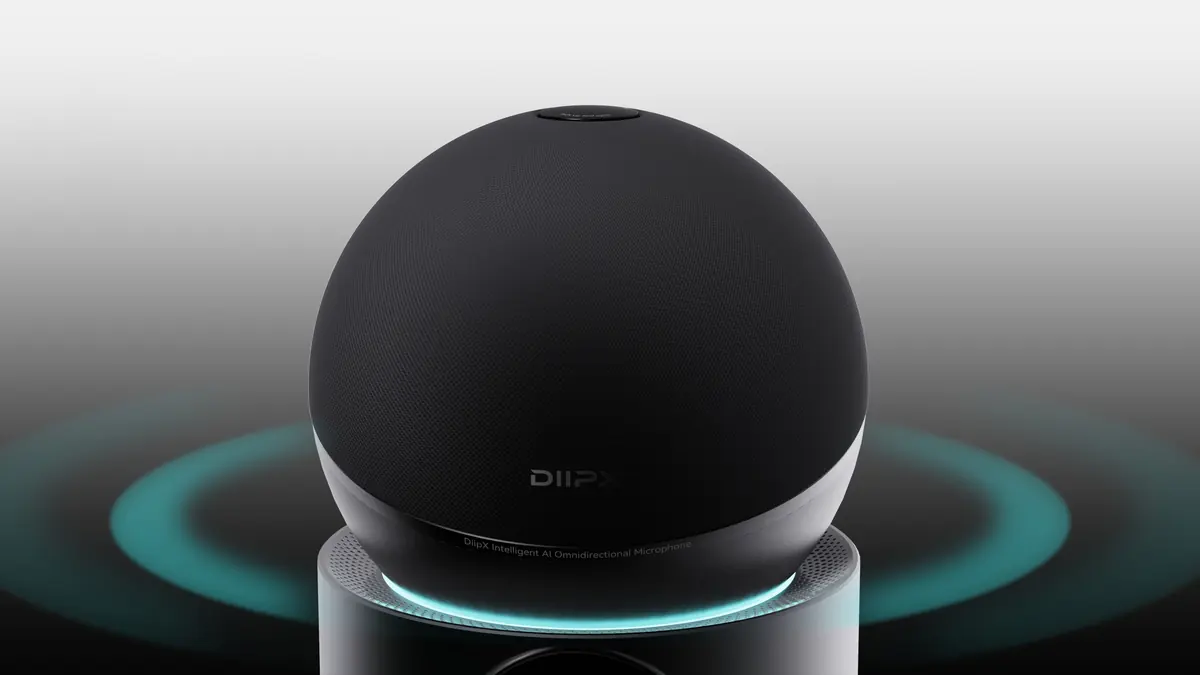
360°Omnidirectional desktop pickup
AI 3ANoise reduction, echo cancellation and automatic gain
USB-C / BluetoothConnect computers, phones and tablets
The highlights, at a glance.
Get the highlights
The key moves of a meeting, all in one device.
Pickup, playback, mute, and recording live in one device — controls closer, status clearer.
360°
Sit around it, lean back, jump in — without leaning into a mic.
Place D20 at the center of the desk — 360° pickup covers every seat, so conversation keeps its natural rhythm.
Red Dot 2026
Award-winning design, in the spot you see every day.
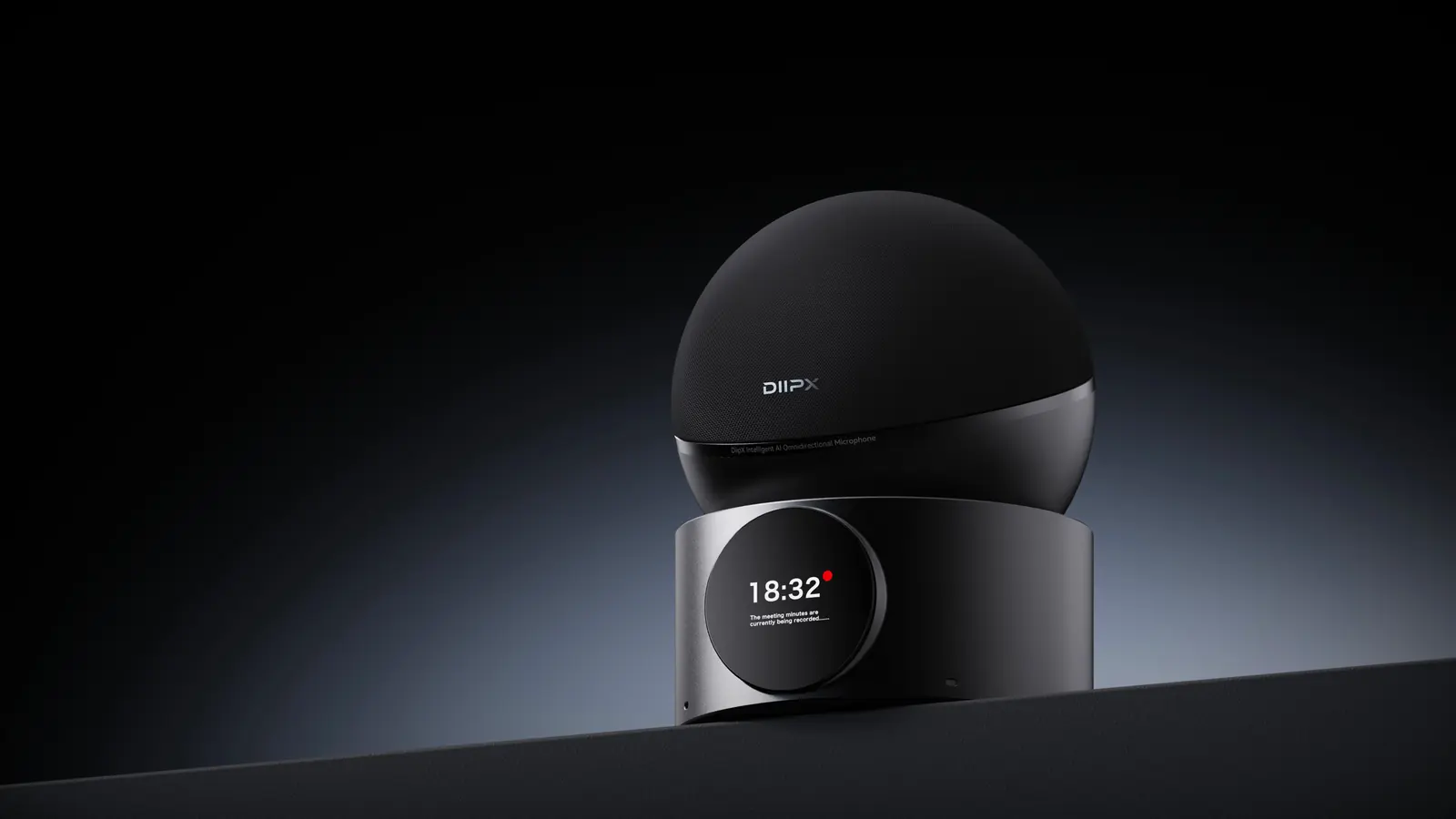
A rounded fabric body, circular display, and low base let it hold the center of the desk without taking it over.
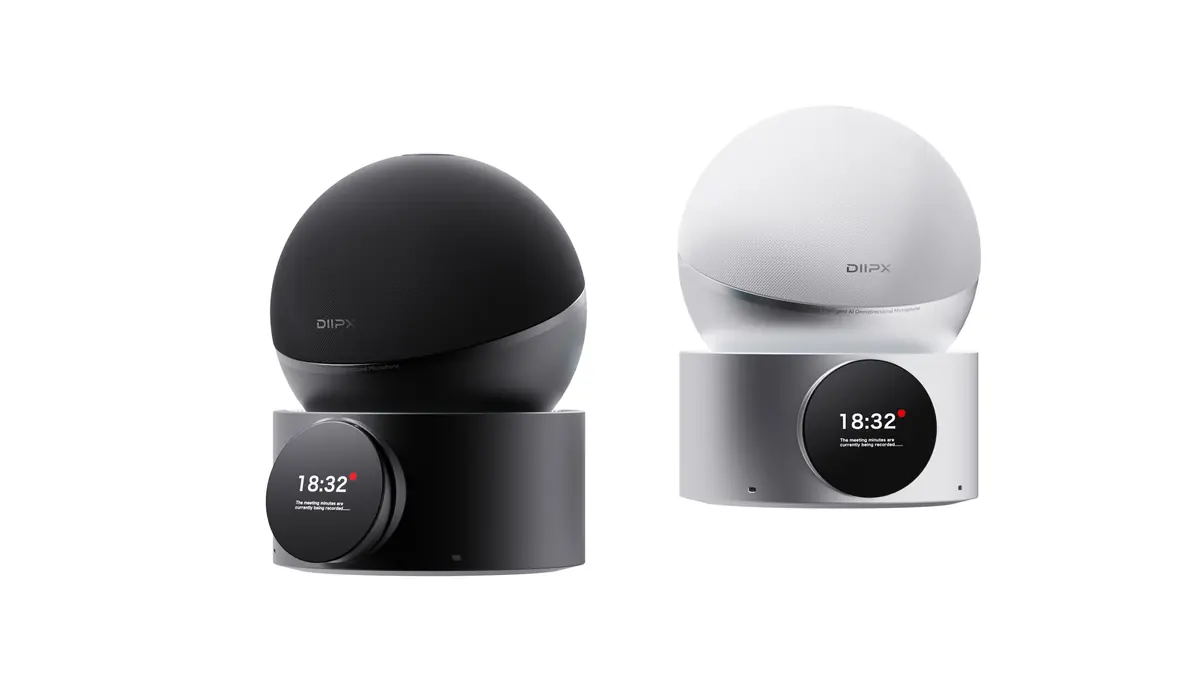
Circular screen
Check mute and recording status at a glance.
Mute, recording, power, and connection status stay visible on the front display.
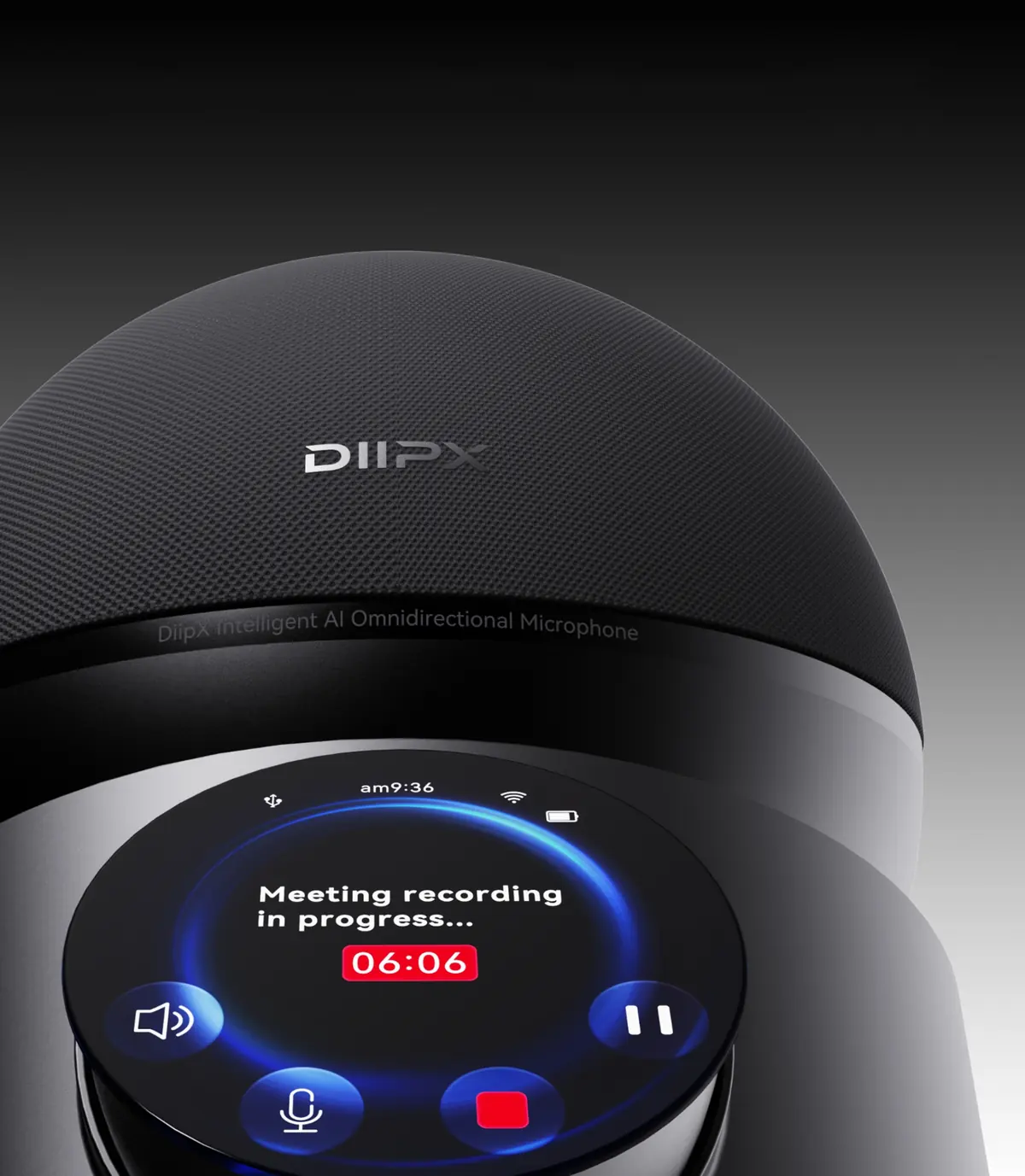
Product design
Centered on the desk, quiet in the room.
A spherical fabric chamber, cylindrical base and circular screen form a silhouette you recognize at a glance, in black and white finishes for desks, meeting corners and home workspaces.
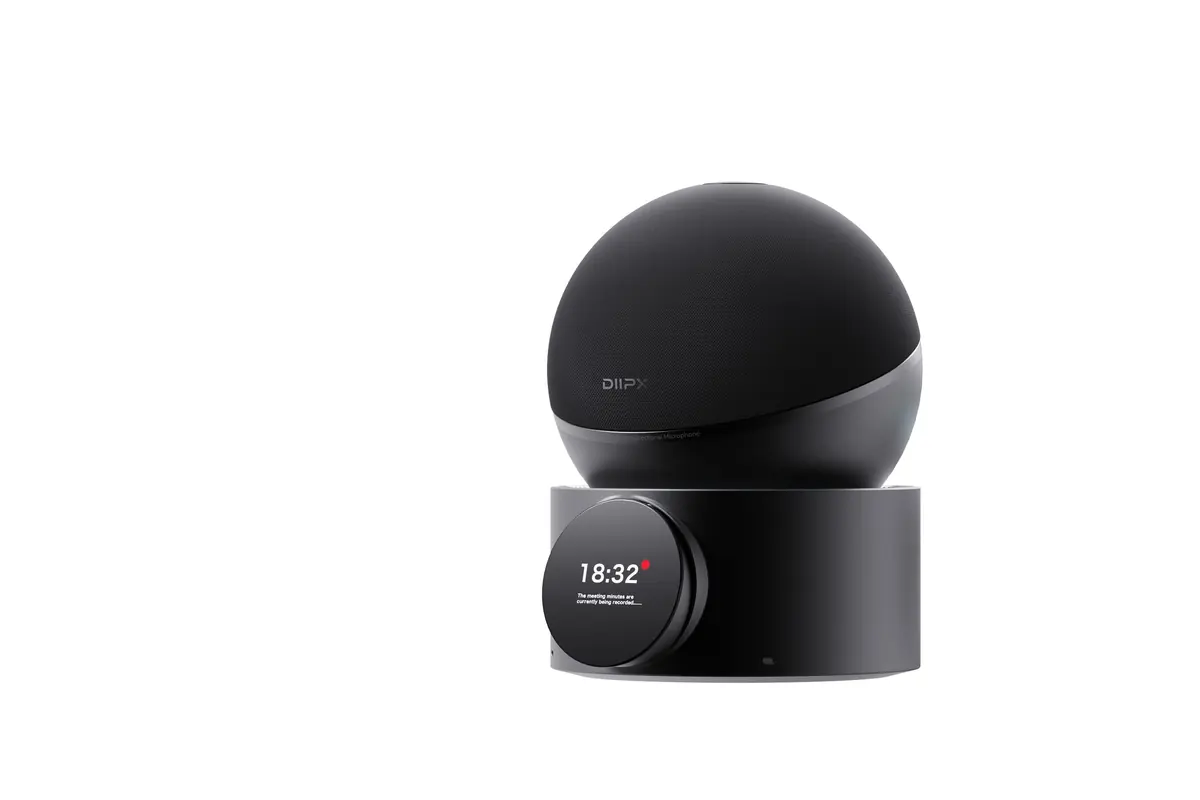
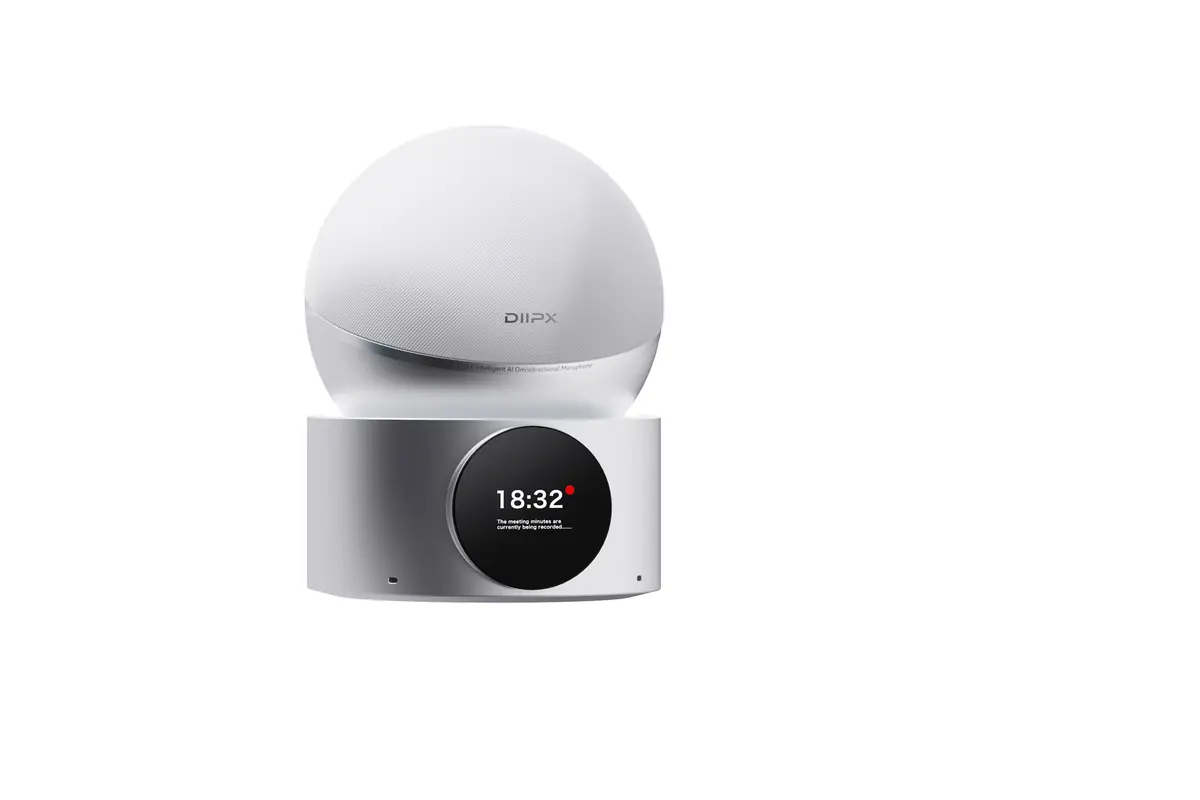
For busy, gear-heavy desks.
Black plays down the visual clash with cables, displays and peripherals, so D20 blends into the desk system.
For bright shared meeting corners.
White feels lighter in open offices — for temporary meeting tables, training desks and home workspaces.
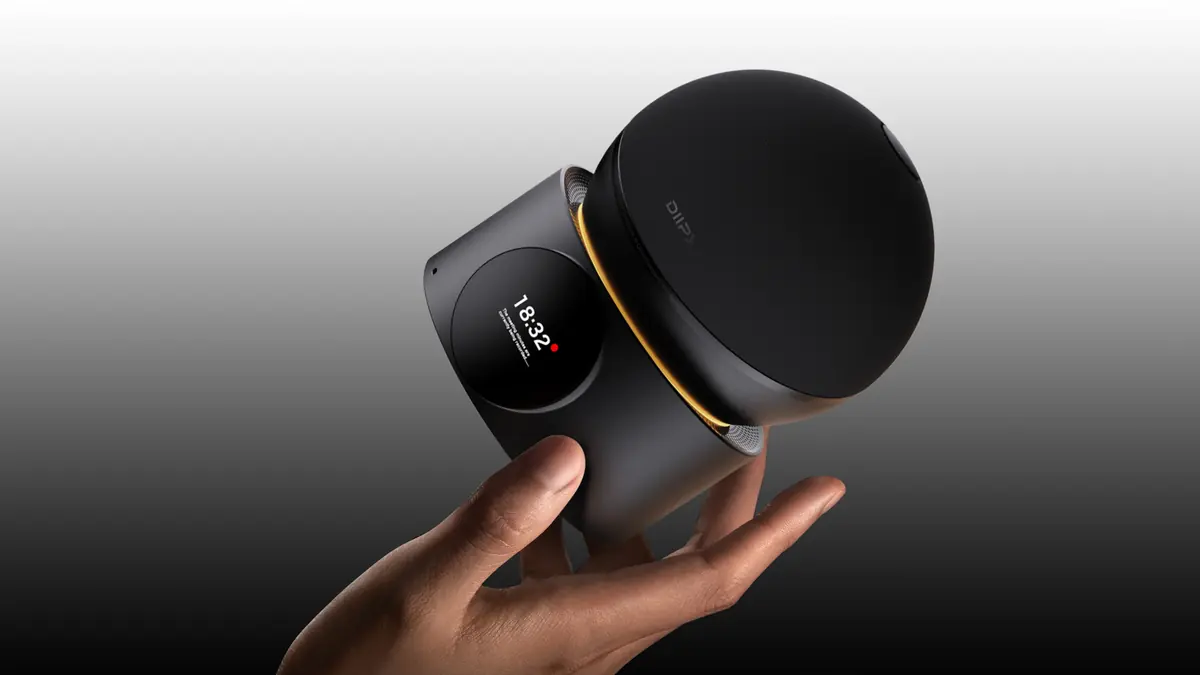
Handheld scale
Not a shrunken meeting-room device — redesigned for the desk.
Pick it up with one hand and move from a fixed desk to an ad-hoc table. Rounded edges soften its presence, while the raised speaker band keeps a clear outlet for sound.
Desktop acoustics
A shared audio center for nearby desk conversations.
D20 combines omnidirectional pickup, speaker playback, and AI audio processing in one desktop device, helping voices stay ahead of keyboard noise, room hum, and echo.
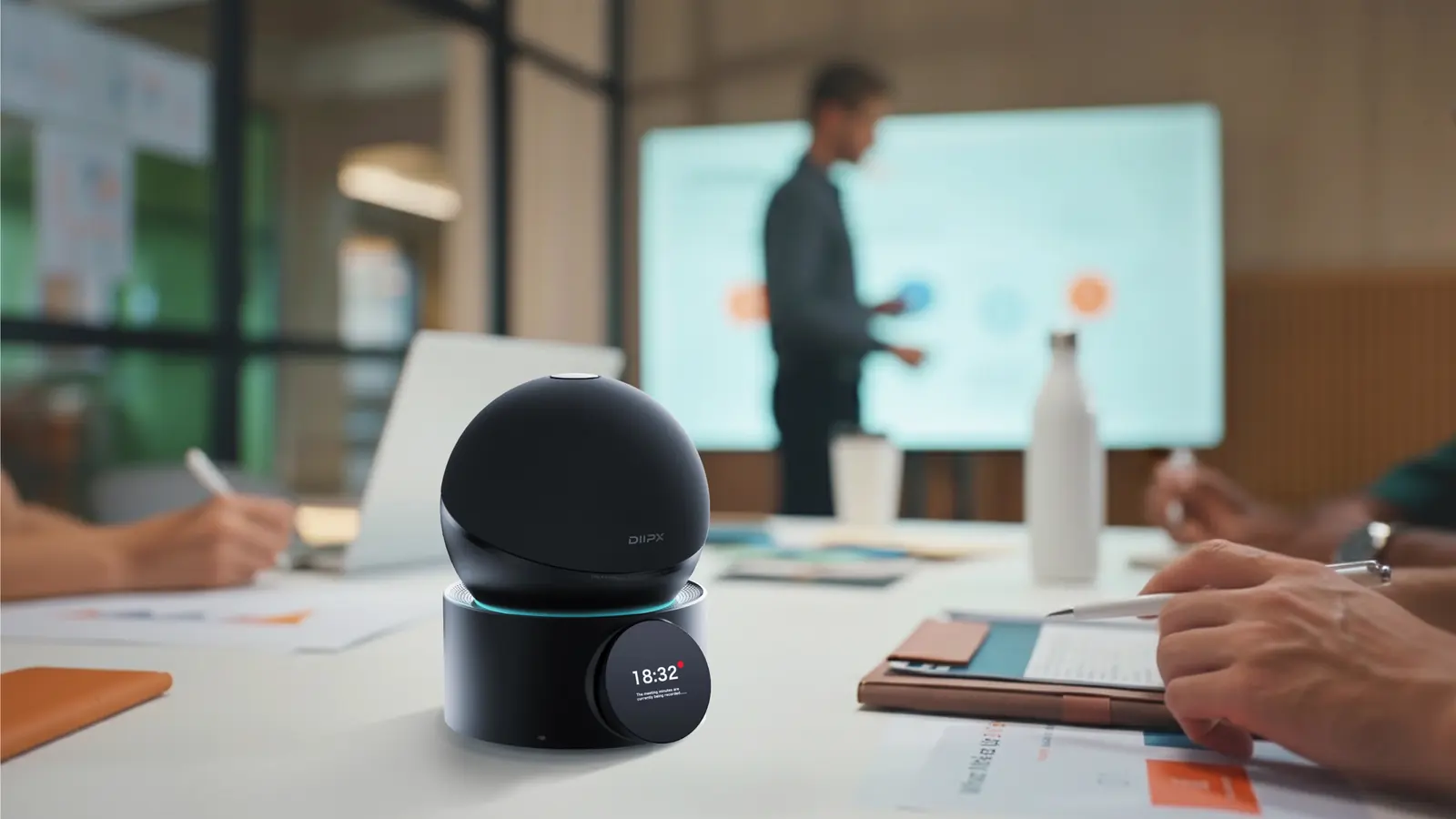
16Mic array360°Omnidirectional desktop pickup
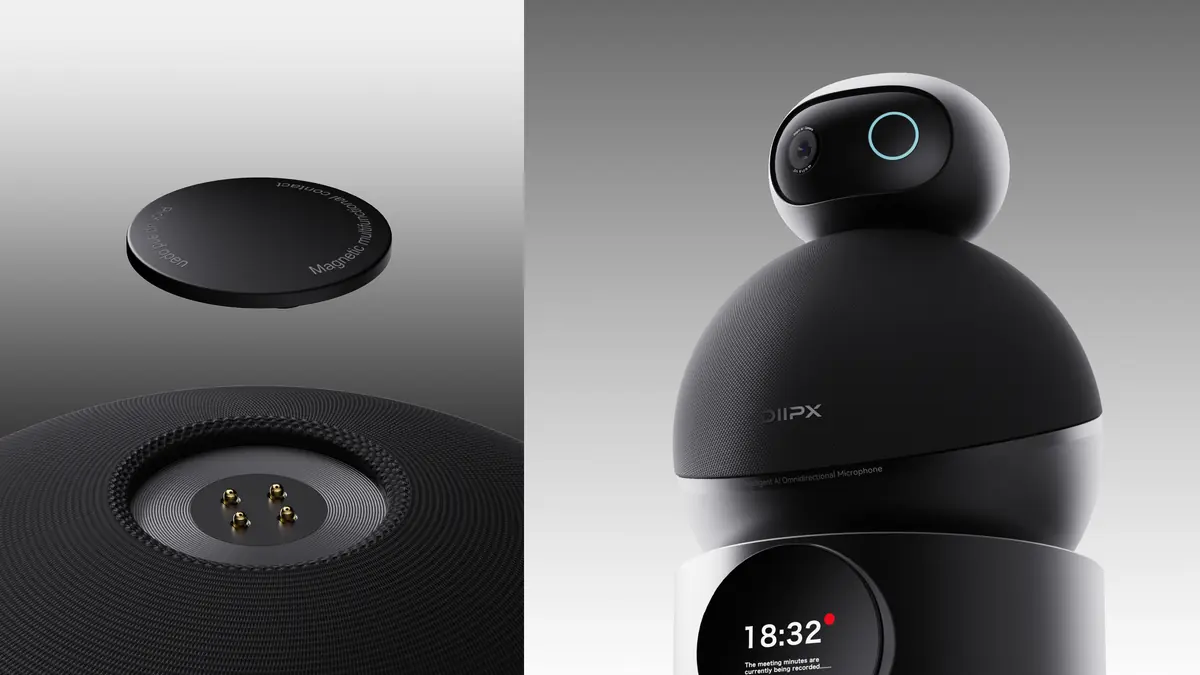
Magnetic control
Bring everyday meeting actions back within reach.
The magnetic module can stay on the device or move closer to the speaker. The circular interface brings mute, recording, playback, battery, and connection states to the front.
Mute instantly when the room needs quiet.
Coughs, side conversations, or private moments no longer require hunting for the meeting software window.
Recording status stays visible, start to finish.
For minutes, reviews, and course scenarios, the host can quickly confirm whether the meeting is being captured.
Playback and pause stay on the desk.
When D20 is used as a desktop speaker, basic playback controls stay off the computer or phone.
Check battery before the meeting.
As the device moves between spaces, battery level is visible before the meeting starts.
Connection status is no longer a guess.
When switching between USB-C, Bluetooth, or audio connections, front-facing status helps solve the final setup step.
AI minutes
When the meeting ends, the minutes are ready.
Recording is transcribed live with speaker identification; key points and to-dos organize themselves. Beyond meetings — livestreams, podcasts, interviews and content work walk away with a finished draft.
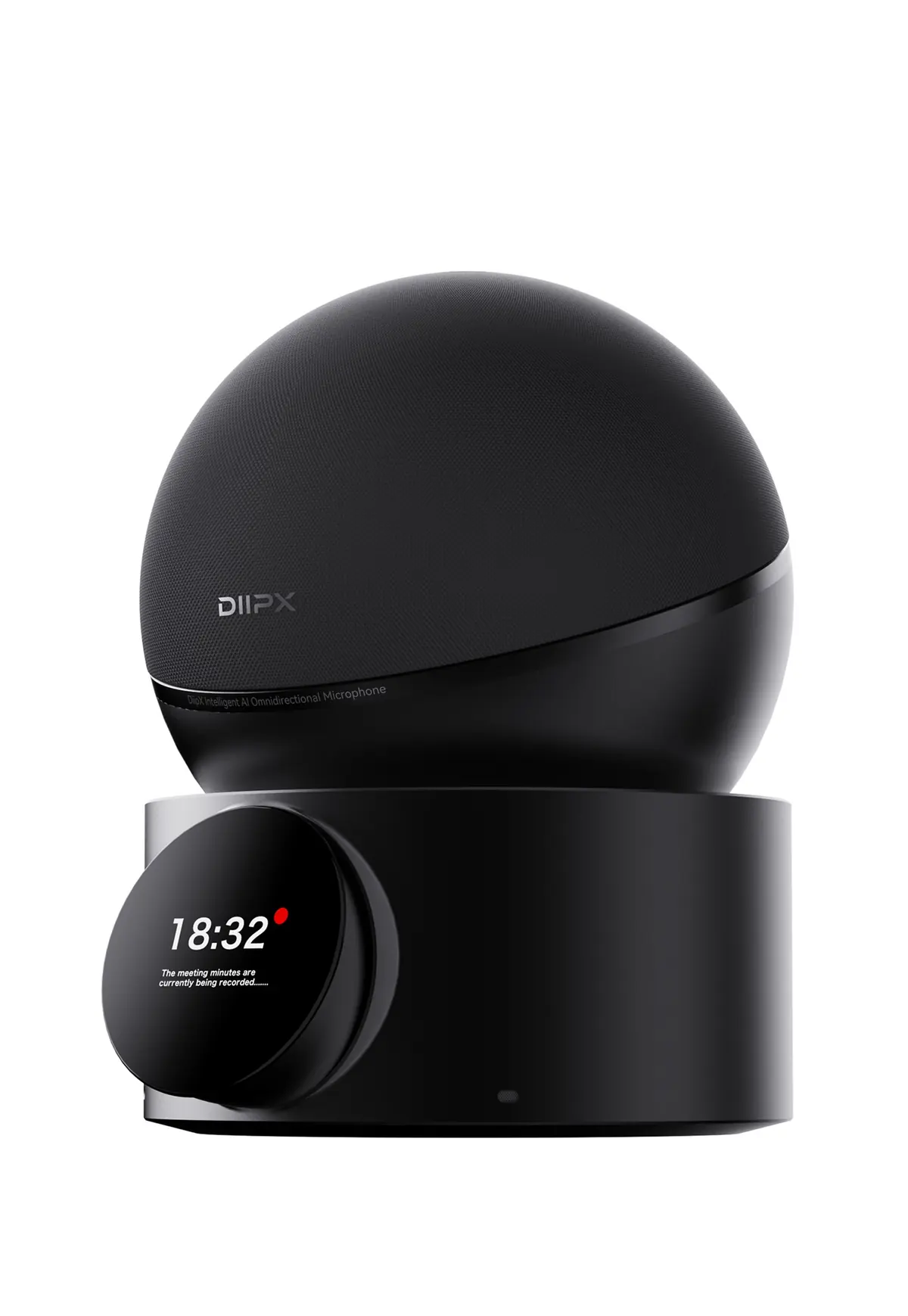
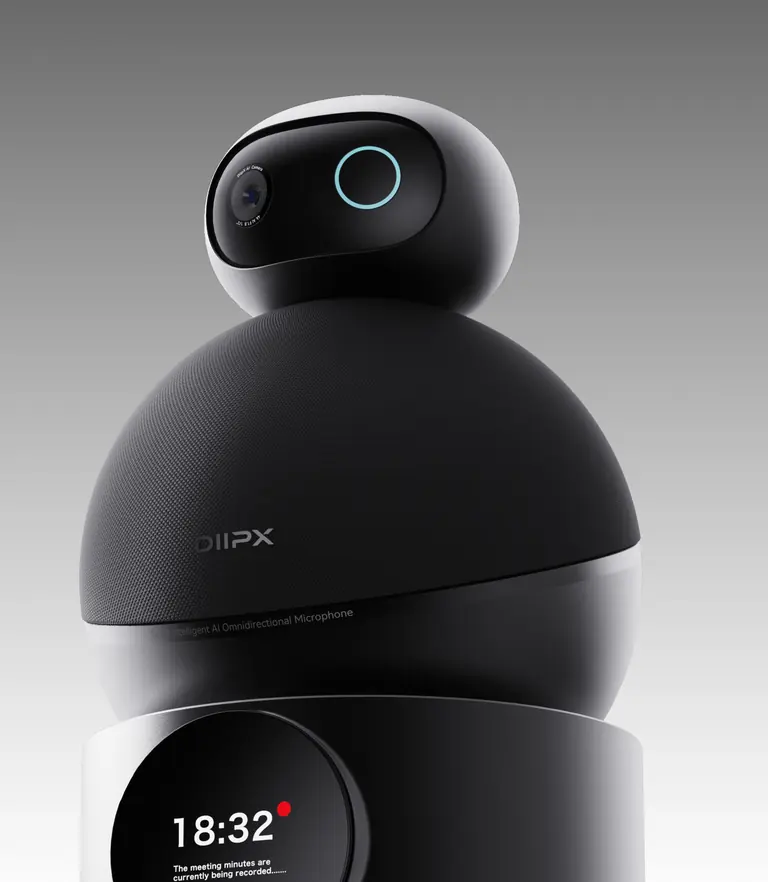
Magnetic gimbal camera
Snap a camera on top — instantly a video station.
A magnetic mount in the crown seats a gimbal camera in one motion, pairing sound and picture so a personal desk becomes a complete meeting seat.
Learn more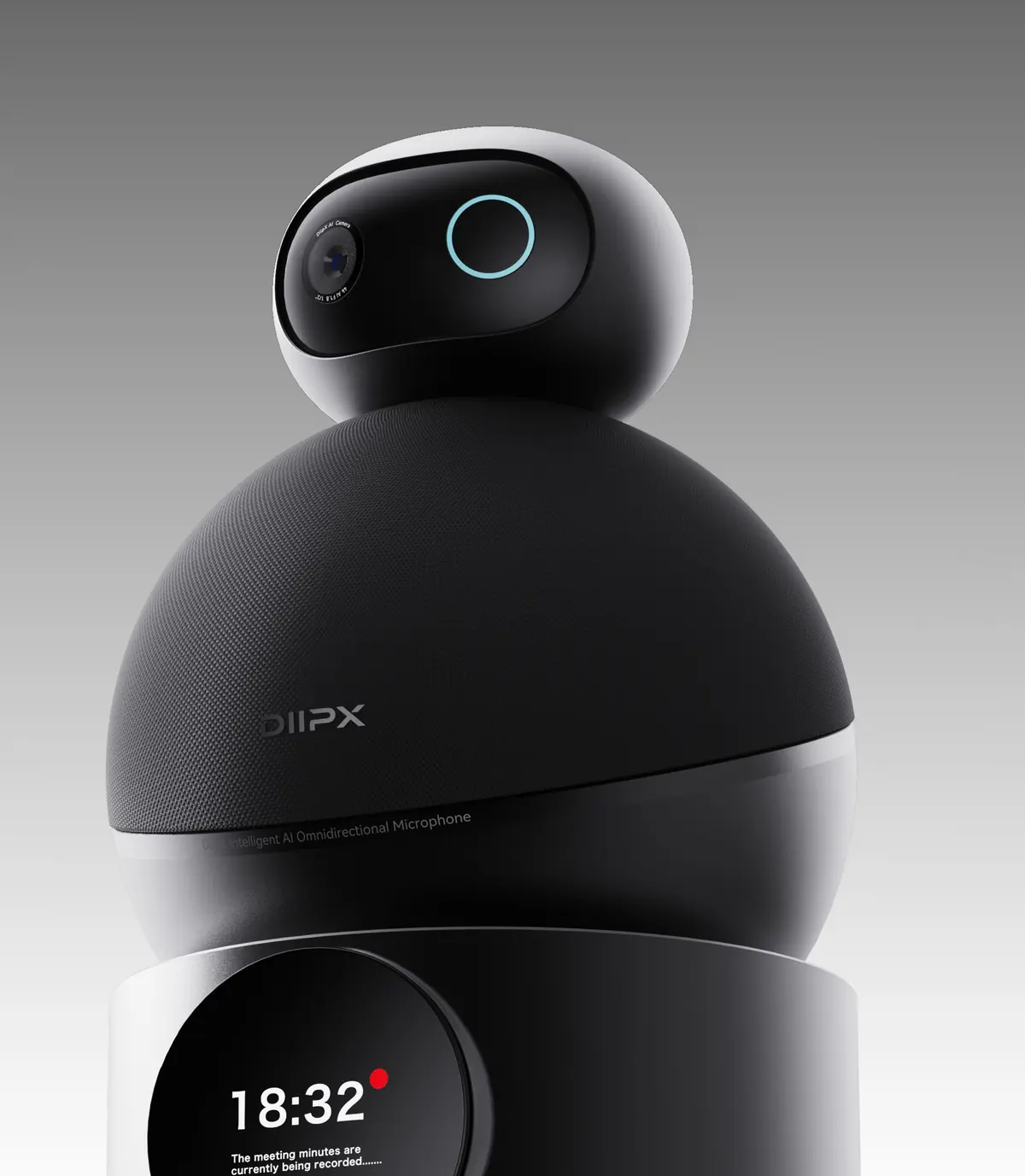
Use scenes
Give a personal desk meeting-room-grade audio.
Less setup before the call, fewer interruptions during it.
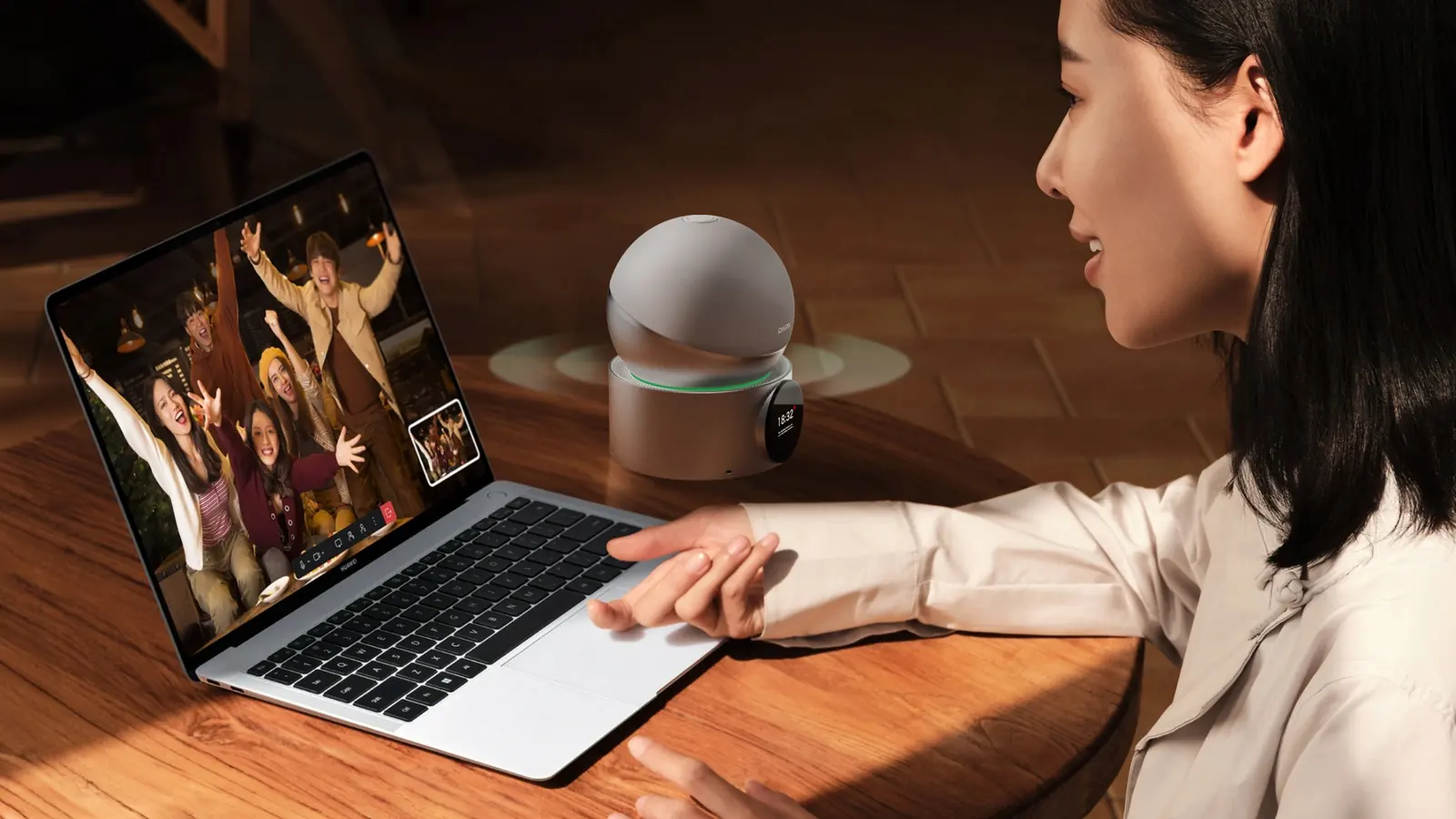
Remote collaboration
Make laptop meetings feel closer to face-to-face conversation.
D20 sits beside the screen and handles pickup closer to the speaker, so the far end hears fewer fans, keys, and empty-room reflections.
Technology and specs
Key capabilities for desktop audio.
Acoustics
Mic array16-mic circular array with beamforming pickup
Pickup capability360° omnidirectional pickup for 2–6 people around a desk
Speaker unit2.25-inch 5 W full-range driver, 91 dB SPL target output
Audio processingAI noise reduction, echo cancellation, auto gain, de-reverb, speech enhancement
Recording format48 kHz / 24-bit
Intelligence & control
AI minutesLive transcription with auto-organized key points and to-dos
Display1.5-inch round OLED + RGB light ring for mute, recording, battery and connection at a glance
Control moduleMagnetic, detachable — moves next to the speaker
Connectivity & expansion
ConnectionUSB-C (audio and charging); analog in / out via USB-C adapter for mixers
WirelessBluetooth 5.x with two-device multipoint
Camera mountMagnetic top mount, supports ViewCam V10
Compatible systemsWindows, macOS, Android, iPadOS and mainstream meeting apps
Hardware
BatteryBuilt-in 7000 mAh battery, about 10 hours of use (target)
Operating temperature0℃ – 40℃
Colors & materialsSpace black / Moon white; acoustic fabric + metal base
Specifications update with the launch version; enterprise projects can request fit recommendations.
Package contents
DeskHub D20 unit, USB-C cable, quick guide and warranty card.
Recommended bundle
Pair with DeskHub D20 for larger spaces, or ClipAir C20 for mobile recording.
View product matrixDiipTools
Use DiipTools across DiipX products for setup, tuning, firmware upgrades and maintenance.
Ready for the next meeting
Hand desktop audio to one steadier device.
Designed for personal desks, small meeting rooms, and temporary collaboration spaces. For bulk purchase or deployment advice, continue from the buy entry.
FAQ
Frequently asked questions.
Does it require a driver?
Plug and play on common systems; setup, firmware updates and AI minutes live in the DiipTools companion app (desktop / mobile).
Can it be used as a computer speaker?
Yes. DeskHub D20 handles both meeting pickup and voice playback.
How do enterprises ask about bulk deployment?
Create a purchase intent on the Store page or submit an enterprise procurement ticket in Account Center.